

Download Cognition Play – Cognitive Training, Brain Games, Memory Exercises, Older Adults, Mental Agility
Overview
Cognition Play is a specialized mobile application designed to support cognitive health in older adults through interactive and engaging brain exercises. The app focuses on stimulating mental agility by offering a structured series of challenges that target memory, auditory recognition, and fine motor skills. Its primary purpose is to provide a fun yet effective way for seniors to maintain and improve cognitive function in a low-pressure environment. The game is particularly useful for individuals seeking to combat mental decline associated with aging, offering a daily routine that combines entertainment with measurable mental engagement.
Target users include adults aged 60 and above, especially those interested in proactive brain health management. The app’s design emphasizes accessibility, with intuitive navigation and clear visual cues that accommodate varying levels of digital literacy. Real-world use cases include daily cognitive workouts during leisure time, such as morning routines or evening relaxation sessions. It can also be used in senior care facilities or family settings to promote mental activity in a shared, social context.
Although the developer did not provide additional technical details, the app’s focus on mental wellness aligns with growing demand in the health-tech space. As digital tools for cognitive training gain traction, Cognition Play occupies a niche position by targeting older users with tailored, non-intimidating gameplay. Its presence in the education category reflects its utility as a learning and self-improvement tool, contributing meaningfully to the broader ecosystem of brain fitness applications.
Key Features & Functionality
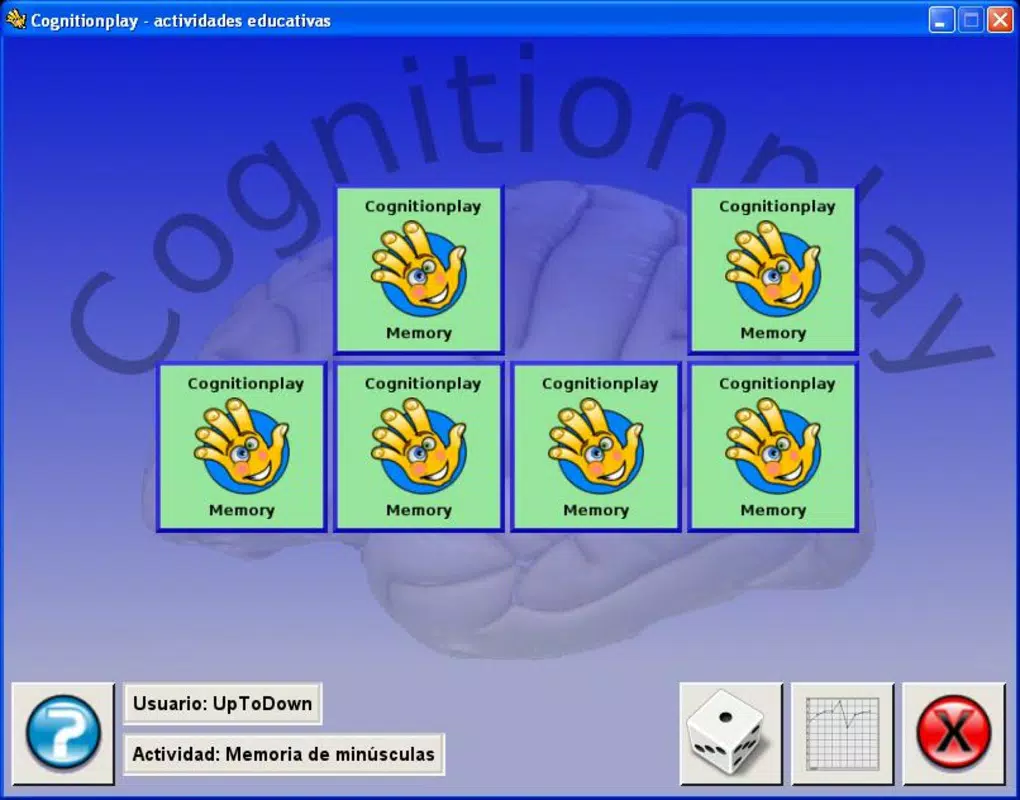
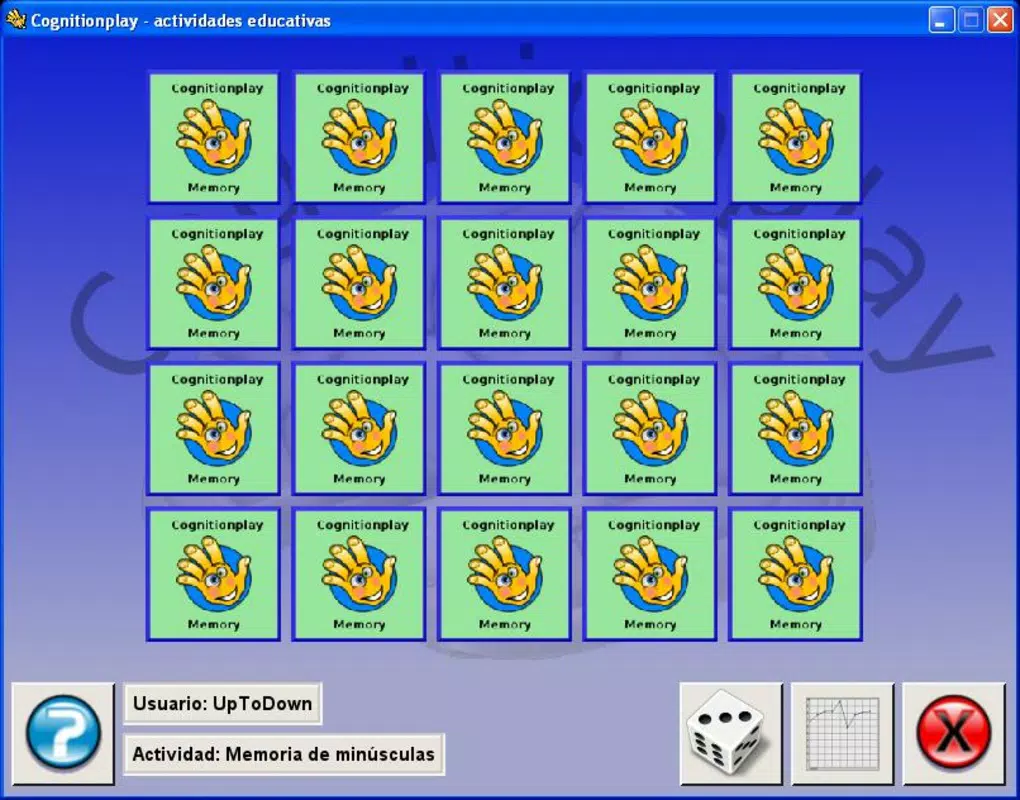
- Memory Pair Games: The app begins with simple picture-matching exercises, requiring users to recall and match pairs. As users progress, the game introduces letters and symbols, increasing complexity and reinforcing short-term memory retention. This progression supports long-term cognitive adaptation and sustained engagement.
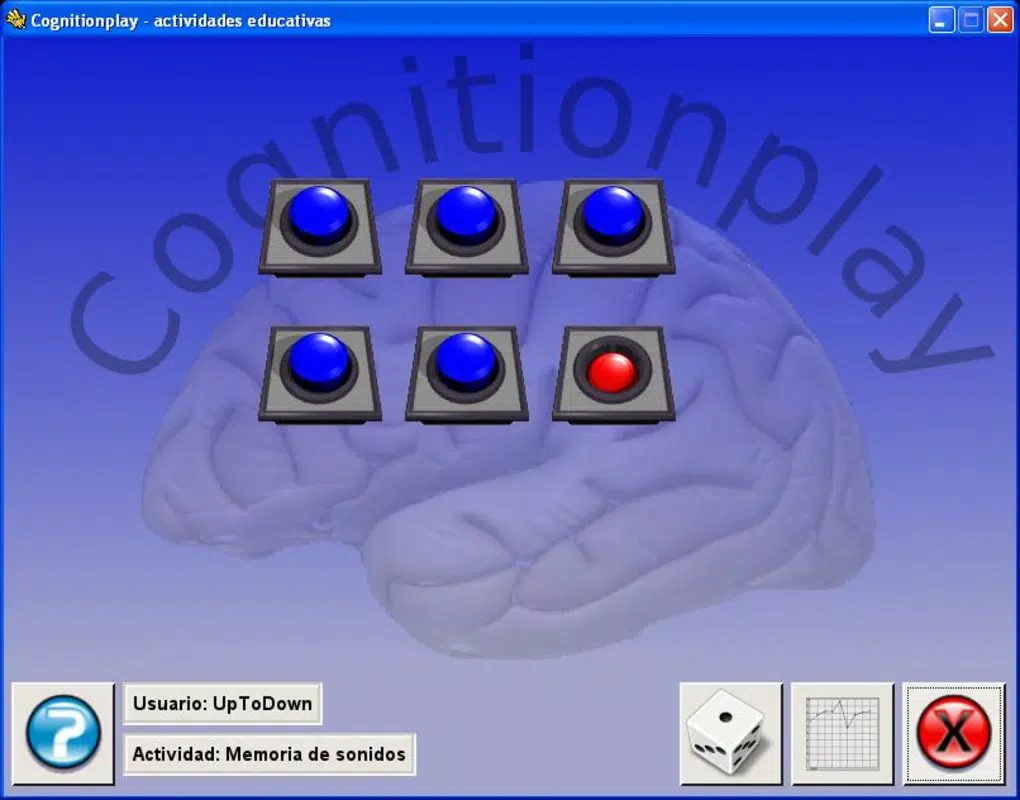
- Auditory Recognition Tests: Users listen to spoken letters and are prompted to type what they hear. This feature strengthens auditory processing and language comprehension, crucial for maintaining communication skills in later life.
- Motor Skills Challenge: A fishing simulation task requires precise aiming and timing to "catch" fish. This interactive element enhances hand-eye coordination and fine motor control, addressing physical aspects of cognitive health.
- Thoughtful Design for Older Adults: The interface avoids clutter, uses large buttons, and maintains high contrast, ensuring usability for users with visual or cognitive limitations. The app’s pacing is deliberate, allowing time for reflection and reducing frustration.
- Engaging and Relaxing Experience: By blending challenge with enjoyment, Cognition Play reduces the perception of "work" often associated with mental training. This psychological benefit increases the likelihood of consistent use over time.
Real-World Use Case Example
A retired teacher might use Cognition Play every morning while sipping coffee. After completing a few rounds of memory matching and auditory tasks, they feel mentally refreshed and more alert for the day ahead. The fishing game provides a light, satisfying break, reinforcing the idea that mental exercise can be both rewarding and enjoyable.
Interface, UX & Performance
The user interface of Cognition Play is clean and minimalist, designed with clarity and ease of use in mind. Navigation is straightforward, with a consistent layout across all game modes. Visual elements are large and well-spaced, reducing cognitive load and minimizing errors during gameplay. The color scheme is gentle on the eyes, avoiding harsh contrasts that could cause strain.
Although the developer did not list formal performance metrics, the app appears to function smoothly on a range of Android devices. Users can expect responsive interactions, with minimal lag during transitions between game types. The app’s stability is likely optimized for older hardware, given its relatively small file size of 30.1 MB.
Navigation is intuitive, with clear progress indicators and feedback after each task. The game does not require complex gestures or rapid inputs, making it suitable for users with limited dexterity. While no specific performance data was provided, the app’s design suggests it is optimized for consistent performance across entry-level and mid-range Android smartphones.
Platform Compatibility & Technical Requirements
Cognition Play is available exclusively on the Android platform. The current version is 1.0.2, with a file size of 30.1 MB. The developer did not specify minimum OS requirements or device compatibility details. Users should ensure their device supports Android applications and has sufficient storage space for installation.
Although the app is free to download and install, the developer did not disclose whether in-app purchases or advertisements are present. Compatibility information was not fully disclosed, so users are advised to check their device’s settings before downloading.
Pros and Cons
- Specifically designed for older adults with cognitive needs
- Combines memory, auditory, and motor skill challenges
- Simple, intuitive interface with accessible design
- Small file size, efficient for low-end devices
- Free to download and use
- Platform availability limited to Android only
- Developer did not provide performance or compatibility details
- No information on in-app ads or purchases
- Version 1.0.2 suggests minimal recent updates
- Limited feedback on long-term effectiveness
FAQ
Is Cognition Play safe to download and install?
Yes, the app is free and available through official Android channels. As it is developed by Cognition Play, users can trust its legitimacy, though no third-party verification was provided.
Can I use Cognition Play on iOS devices?
Currently, the app is only available on Android. There is no confirmed iOS version or release plan.
Does Cognition Play require an internet connection?
The app does not require an internet connection to function. All core features operate offline, making it accessible in areas with limited connectivity.
How often should I play Cognition Play?
For best results, users are encouraged to play daily for short sessions. The app’s structure supports consistent, manageable use without overwhelming the user.
Is there a risk of data collection or privacy issues?
The developer did not disclose privacy policies or data collection practices. Users are advised to review permissions carefully before installation.
Final Thoughts + CTA
Cognition Play stands out as a purpose-built tool for cognitive wellness, offering a balanced mix of mental challenges tailored specifically to older adults. Its thoughtful design, diverse exercise types, and focus on accessibility make it a valuable addition to any senior’s digital toolkit. While it lacks advanced features and recent updates, its core functionality remains effective and enjoyable.
For individuals seeking a low-cost, engaging way to support mental agility, Cognition Play delivers tangible benefits without complexity. Its simplicity, free access, and focus on real cognitive needs position it as a reliable choice in the brain fitness space.
Download Cognition Play now


